15 Best Black Friday Laptop and Computer Deals
The 15 Best Black Friday Laptop and Computer Deals
Laptops and desktop computers remain expensive purchases. Students need reliable devices for classes, workers need dependable machines for video calls and multitasking, and families often need one computer for several users. Gamers and creators face even higher costs because dedicated graphics, larger storage, and high-performance processors quickly increase prices.
Black Friday can reduce those costs, but a large advertised discount does not always represent a strong deal. Retailers may use inflated list prices, reduce memory or storage, or sell older configurations that look attractive only because of their percentage discount.
This guide organizes the 15 best Black Friday laptop and computer deals by buyer type. The available source material confirms that CNN highlighted 15 laptop and computer deals, but it does not provide complete product names, prices, specifications, or discounts. Source 1
Prices, inventory, configurations, shipping dates, and discounts can change quickly. Confirm all product details before publication or purchase.
How to Choose a Black Friday Laptop or Computer Deal
Compare the complete configuration
The sale price matters, but the specification sheet determines whether a computer is useful. Check the following details:
- Processor model and generation
- RAM capacity
- Solid-state drive capacity
- Screen size and resolution
- Battery rating and expected battery life
- Integrated or dedicated graphics
- Operating system
- USB, HDMI, and wireless connectivity
- Upgradeability
- Included charger and accessories
- Warranty and return policy
A laptop with 16GB of RAM and a 512GB solid-state drive may be a better value than a cheaper model with 8GB of RAM and 128GB of storage. Compare equivalent configurations rather than brand names or discount percentages.
Match the computer to its intended use
For browsing, email, streaming, and basic documents, an entry-level processor, 8GB of RAM, and at least 128GB of storage may be sufficient. A solid-state drive is preferable to older mechanical storage because it improves startup and application-loading times.
For school and office work, look for 8GB to 16GB of RAM, a solid-state drive, a comfortable keyboard, and a bright enough screen for long sessions. A reliable webcam and microphone also matter for online classes and meetings.
Photo and video editing require more processing power, at least 16GB of RAM, and sufficient solid-state storage for large files. A dedicated graphics processor can improve performance in demanding creative applications.
Gaming laptops need dedicated graphics, effective cooling, a high-refresh-rate display, and sufficient memory. The processor name alone does not determine gaming performance.
Creative professionals should prioritize a fast processor, 16GB or more of RAM, a color-accurate display, fast storage, and useful ports. Families may value durable construction, simple servicing, and a dependable warranty more than maximum performance.
Check whether the discount is genuine
Compare the sale price with the product’s recent selling history. Check the exact model number, not only the brand and product family. Retailers sometimes change the storage, memory, display, or processor while keeping a similar product title.
Confirm whether the deal is available online, in stores, through pickup, or only for a limited period. A product that cannot ship or is unavailable locally may not be a practical deal.
The 15 Best Black Friday Laptop and Computer Deals
The source material does not include enough verified product information to name specific models or prices. The categories below show what a strong deal should offer and what shoppers should verify.
1. Best Overall Black Friday Laptop Deal
The best overall laptop should balance performance, portability, battery life, display quality, build quality, and price. It should handle browser tabs, office applications, video calls, streaming, and general home use without feeling slow.
This category suits students, office workers, families, and general users. Prioritize a modern processor, 16GB of RAM if the budget allows, and at least a 512GB solid-state drive.
- Sale price: Verify before purchase
- Best for: General use
- Check: Webcam, ports, upgradeability, and speakers
- Verdict: Buy only after confirming the configuration
2. Best Budget Laptop Under $500
The best cheap laptop should provide acceptable everyday performance without relying on an outdated processor or slow storage. An SSD, 8GB of RAM, a current operating system, and a usable keyboard are essential starting points.
Budget laptops work well for email, documents, school platforms, streaming, and light browsing. They are less suitable for video editing, advanced photo work, gaming, or heavy multitasking. Compare them with Chromebooks and refurbished business laptops.
- Sale price: Verify before purchase
- Best for: Basic school, home, and office use
- Check: SSD, RAM, processor generation, battery, and warranty
- Verdict: Consider when it includes an SSD and at least 8GB of RAM
3. Best Student Laptop Deal
A student laptop should be portable, durable, comfortable to type on, and capable of handling browser tabs, video calls, presentations, documents, and learning platforms. Battery life matters when students spend several hours away from a wall outlet.
Check software compatibility before buying. Specialized academic applications may require Windows or macOS and may not work fully on a Chromebook.
- Sale price: Verify before purchase
- Best for: Schoolwork and online learning
- Priorities: Battery life, keyboard, webcam, durability, and weight
- Verdict: Buy when it supports required school software
4. Best Laptop for Remote Work
The best remote-work laptop should provide a clear webcam, reliable microphone, strong Wi-Fi, long battery life, and enough memory for video calls and office applications running together.
Useful features include fingerprint login, a privacy shutter, a backlit keyboard, HDMI output, and multiple USB ports. Confirm compatibility with video-conferencing applications, company security tools, VPN software, and authentication systems.
- Sale price: Verify before purchase
- Best for: Home offices and hybrid work
- Priorities: Webcam, microphone, Wi-Fi, battery, and ports
- Verdict: Consider when the display and camera meet work requirements
5. Best Windows Laptop Deal
The strongest Windows laptop deal should combine a current processor, adequate memory, fast storage, and a full Windows installation. Check whether the memory or storage can be upgraded, and review the amount of preinstalled trial software.
Confirm the processor generation rather than relying on a familiar brand name. Low-cost models may include limited storage.
- Sale price: Verify before purchase
- Best for: Buyers who need Windows applications
- Priorities: Processor generation, Windows edition, RAM, SSD, and upgrade options
- Verdict: Buy when the software and storage meet your needs
6. Best MacBook Deal
A discounted MacBook can offer strong performance, long battery life, a high-quality display, and durable construction. Verify the exact chip, memory, storage, model year, and warranty.
macOS suits users already invested in Apple devices and those who value long software support and quiet operation. It may not suit people who depend on Windows-only applications, specialized business software, or certain games.
- Sale price: Verify before purchase
- Best for: Apple users, students, professionals, and mobile workers
- Priorities: Chip, memory, storage, battery life, and software compatibility
- Verdict: Consider when the discount applies to the correct configuration
7. Best Chromebook Deal
A Chromebook can provide excellent value for web-based work, school assignments, streaming, and lightweight productivity. Check the automatic update expiration date, RAM, storage type, display quality, and support for Android or Linux applications.
Chromebooks may not run every Windows or macOS application. Confirm that required office, educational, creative, and business tools work through a browser or supported application.
- Sale price: Verify before purchase
- Best for: Web-based work and school
- Priorities: Update support, RAM, display, and storage
- Verdict: Buy when your required applications run on ChromeOS
8. Best 2-in-1 Laptop Deal
A 2-in-1 laptop can serve as a conventional computer, tablet, presentation device, and note-taking tool. Check hinge quality, touch responsiveness, weight, battery life, and stylus support.
Verify whether the keyboard and stylus are included. Some advertised prices cover only the computer and require separate accessory purchases.
- Sale price: Verify before purchase
- Best for: Students, travelers, presenters, and note-takers
- Priorities: Hinge, touchscreen, stylus, weight, and battery
- Verdict: Consider when useful accessories are included
9. Best Lightweight Laptop Deal
Lightweight laptops suit commuters, students, and frequent travelers. Check the actual weight, construction, charging options, screen brightness, and keyboard comfort.
Thin designs can sacrifice ports, cooling, repairability, or sustained performance. Confirm that the laptop provides enough connectivity for monitors, storage drives, headphones, and other accessories.
- Sale price: Verify before purchase
- Best for: Travel and mobile productivity
- Priorities: Weight, battery, screen, keyboard, and ports
- Verdict: Buy when portability does not create unacceptable performance compromises
10. Best Gaming Laptop Deal
Gaming laptop deals should be judged primarily by the dedicated graphics processor, not the processor branding or discount percentage.
Check the graphics model, processor, RAM, storage, display refresh rate, and cooling system. Verify whether memory or storage can be expanded and which games the system can handle at the desired resolution and quality settings.
- Sale price: Verify before purchase
- Best for: PC gaming and demanding graphics workloads
- Priorities: Dedicated graphics, cooling, display, RAM, and SSD
- Verdict: Buy only after checking the graphics processor
11. Best Desktop Computer Deal
A desktop can provide better performance per dollar, easier repairs, more upgrade options, and a larger selection of monitors. It suits home offices, families, and users who do not need portability.
Check whether the advertised price includes a monitor, keyboard, and mouse. Also review memory slots, storage bays, expansion slots, and available ports.
- Sale price: Verify whether accessories are included
- Best for: Permanent workstations and family use
- Priorities: Upgradeability, ports, processor, and total setup cost
- Verdict: Consider when the complete system fits the budget
12. Best All-in-One Computer Deal
An all-in-one computer combines the display and computer components in one enclosure. It creates a clean setup with fewer cables and can work well in homes and shared family spaces.
Evaluate the screen, webcam, processor, memory, storage, ports, and included accessories. All-in-one computers can be harder to repair or upgrade than standard desktops.
- Sale price: Verify the complete package
- Best for: Clean home and office setups
- Priorities: Display, webcam, ports, and serviceability
- Verdict: Buy when convenience outweighs limited upgradeability
13. Best Mini PC Deal
A mini PC uses little space and power. It can suit a home office, media center, digital-signage installation, or basic productivity setup.
Verify whether the deal includes RAM, storage, an operating system, and a power adapter. Some mini PCs are sold as bare systems and require the buyer to install memory or storage. Budget for a monitor, keyboard, mouse, speakers, and other accessories.
- Sale price: Verify what the package includes
- Best for: Compact workspaces and lightweight computing
- Priorities: Processor, RAM, storage, ports, and total setup cost
- Verdict: Consider when expansion and accessory costs are clear
14. Best Desktop for Creators and Professionals
Creators and professionals should prioritize processor performance, memory capacity, storage speed, graphics capability, and upgrade potential.
Photo editing, video production, design applications, and large files can quickly exceed the capabilities of an entry-level computer. Confirm whether the system uses integrated or dedicated graphics. Include the cost of a monitor, color-calibration equipment, additional storage, backup drives, and professional peripherals.
- Sale price: Verify the complete professional setup
- Best for: Editing, design, engineering, and content production
- Priorities: Processor, 16GB or more of RAM, SSD, graphics, and expansion
- Verdict: Buy when the system supports the required applications
15. Best Refurbished or Previous-Generation Computer Deal
Refurbished and previous-generation computers can offer better construction and performance than new entry-level machines. Check the refurbishment grade, battery health, warranty, return window, replacement parts, charger, and accessories.
Avoid marketplace listings with unclear descriptions or missing model numbers. The best refurbished deal comes from a reputable seller that explains the condition and provides meaningful return protection.
- Sale price: Verify the condition and warranty
- Best for: Value-focused buyers
- Priorities: Battery, support, condition, and return policy
- Verdict: Consider only with clear seller protections
Black Friday Laptop and Computer Deals at Walmart
CNN reported that Walmart’s Black Friday sale was already underway in its cited coverage, but the available source does not identify specific products, prices, or discounts. Source 3
Check every Walmart listing for:
- Whether it is sold and shipped by Walmart or a marketplace seller
- Exact model number
- Store pickup availability
- Warranty details
- Return policy
- Included accessories
- Local inventory
Compare Walmart listings with manufacturer stores, Amazon, Best Buy, and other major retailers. Availability can vary by location, and limited-time offers may disappear before an article is updated.
How to Get the Best Price on Black Friday Computer Deals
Track price changes
Save the product page before the sale begins. Compare the current price with recent prices, then check again on Black Friday and Cyber Monday. The largest percentage discount is not always the best value.
Use retailer protections
Review price-matching rules, return deadlines, warranty coverage, and payment protections. Keep the receipt, order confirmation, product page, and a screenshot of the advertised configuration.
Consider refurbished and open-box models
Check the condition grade, battery health, charger, warranty, and return window. Avoid products with missing model information or unclear seller responsibility.
Budget for accessories and upgrades
Include the cost of a monitor, dock, mouse, keyboard, sleeve, printer, or external storage. Price memory and SSD upgrades before selecting a lower-cost configuration.
Black Friday Laptop Deal Mistakes to Avoid
- Buying based only on brand name
- Comparing different RAM or storage configurations as identical
- Choosing an outdated processor without checking software support
- Ignoring refurbished battery condition
- Forgetting that a desktop may exclude the monitor
- Treating a Chromebook as a universal Windows replacement
- Buying a gaming laptop without checking the graphics processor
- Missing the return deadline
- Assuming the list price reflects the normal market price
- Ignoring stock, shipping dates, and retailer fulfillment
Final Verdict: Which Black Friday Computer Deal Should You Buy?
Choose the best overall laptop for balanced everyday use, a budget laptop for basic tasks, a student laptop for portability and battery life, and a work laptop for video calls and multitasking. Choose a gaming laptop only after checking its dedicated graphics hardware. Choose a desktop when upgradeability and performance per dollar matter more than portability. Choose a Chromebook when browser-based applications meet your needs.
The strongest deal is not necessarily the product with the biggest discount. Prioritize the right processor, enough RAM, solid-state storage, a usable display, and a dependable return policy.
Verify every product card before publication or purchase. Prices, availability, configurations, and discounts can change without notice.
Frequently Asked Questions
When do Black Friday laptop deals usually begin?
Many retailers launch promotions before Black Friday, sometimes weeks in advance. Deals may change throughout the event, and popular products can sell out before the official date. Compare early offers with later promotions instead of waiting automatically.
Are Black Friday laptop deals genuinely cheaper?
Some deals provide meaningful savings, while others use inflated list prices or less desirable configurations. Check the exact model number, recent selling price, processor, RAM, storage, warranty, and return policy.
What is a good price for a Black Friday laptop?
The right price depends on the category and configuration. A budget laptop, Chromebook, gaming laptop, and premium ultraportable should not share the same price benchmark. Evaluate specifications and performance alongside the sale price.
Is it better to buy a laptop or desktop computer on Black Friday?
Laptops include portability and built-in components. Desktops often provide stronger upgradeability and performance per dollar. Choose according to whether you need mobility, a permanent workstation, or future hardware upgrades.
Should I buy a refurbished laptop during Black Friday?
A refurbished laptop can provide strong value when sold by a reputable retailer with a clear condition grade, warranty, and return policy. Check battery health, accessories, operating system support, and the exact hardware configuration.
How can I tell whether a Black Friday computer deal is worth buying?
Check the exact model number, processor generation, RAM, SSD capacity, display, battery life, warranty, return policy, and recent price history. A deal is worth considering when the specifications meet your needs and the price is competitive without sacrificing retailer protections.
Related Articles
-
 Claude-Generated Apps Could Reshape Desktop Software
-
 Why GTA 6 Might Never Surpass GTA 5’s Sales
-
 Nine Quick Fixes for Thanksgiving Tech Problems
-
 Mario Kart World 1.9.0 Update: Patch Notes
-
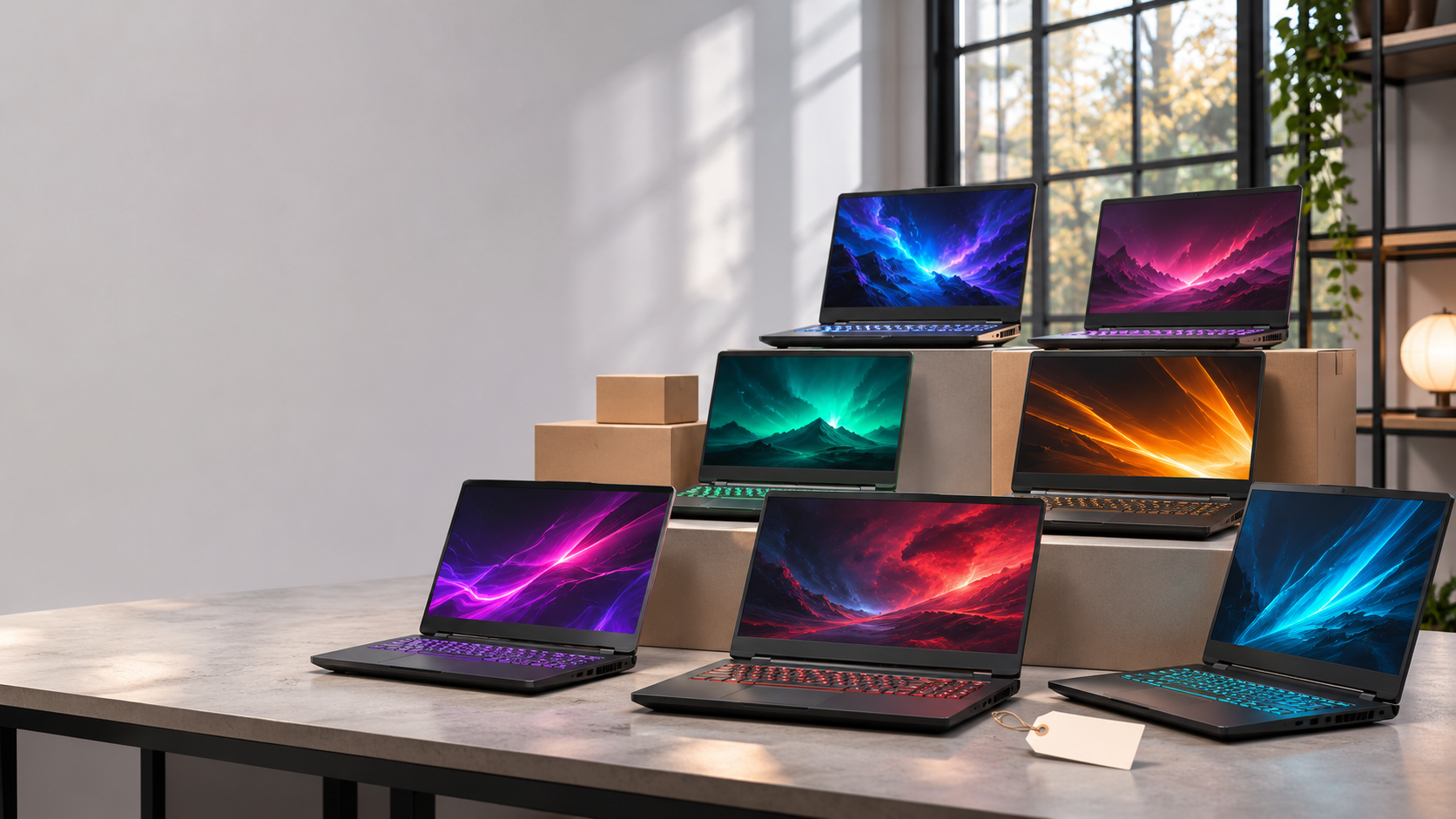 7 Black Friday Gaming Laptop Deals Worth Buying
-
 GTA VI Reportedly Sets PlayStation Launch Record
-
 Amazon Restores $149 AirPods Pro 3 Deal
-
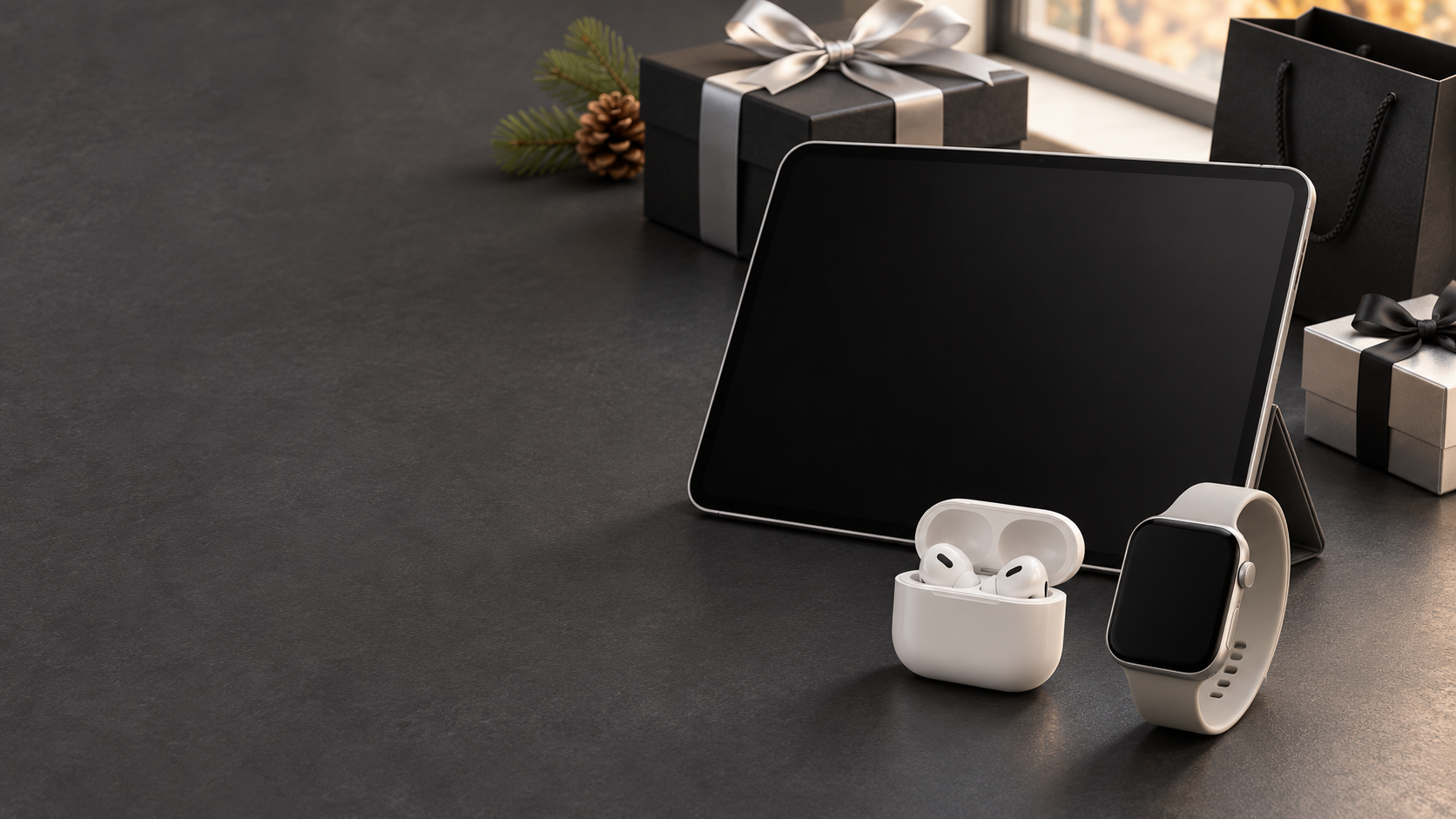 Best Black Friday Apple Deals: iPads, AirPods, and More
-
 GTA 6 Buyers May Pay $100 for a Non-Resellable Game
-
 GTA VI’s Reported Success: $3.8B or $5.7B?
-
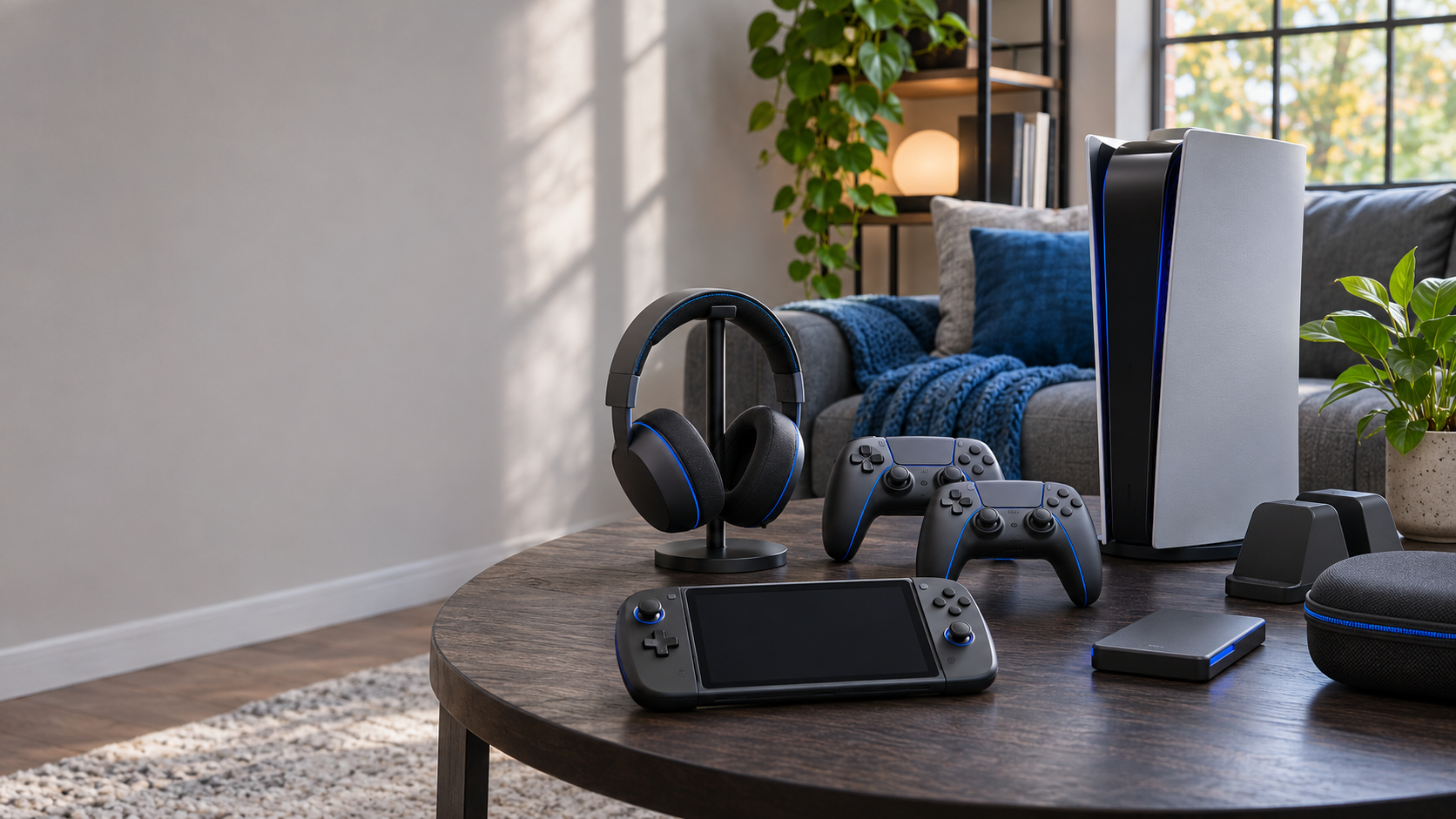 10 Best Early Black Friday Gaming Deals to Shop Now
-
 AI Agents in Phones Raise New Surveillance Fears
-
 Motorola Razr Flex Certification Reveals 15W Wireless Charging
-
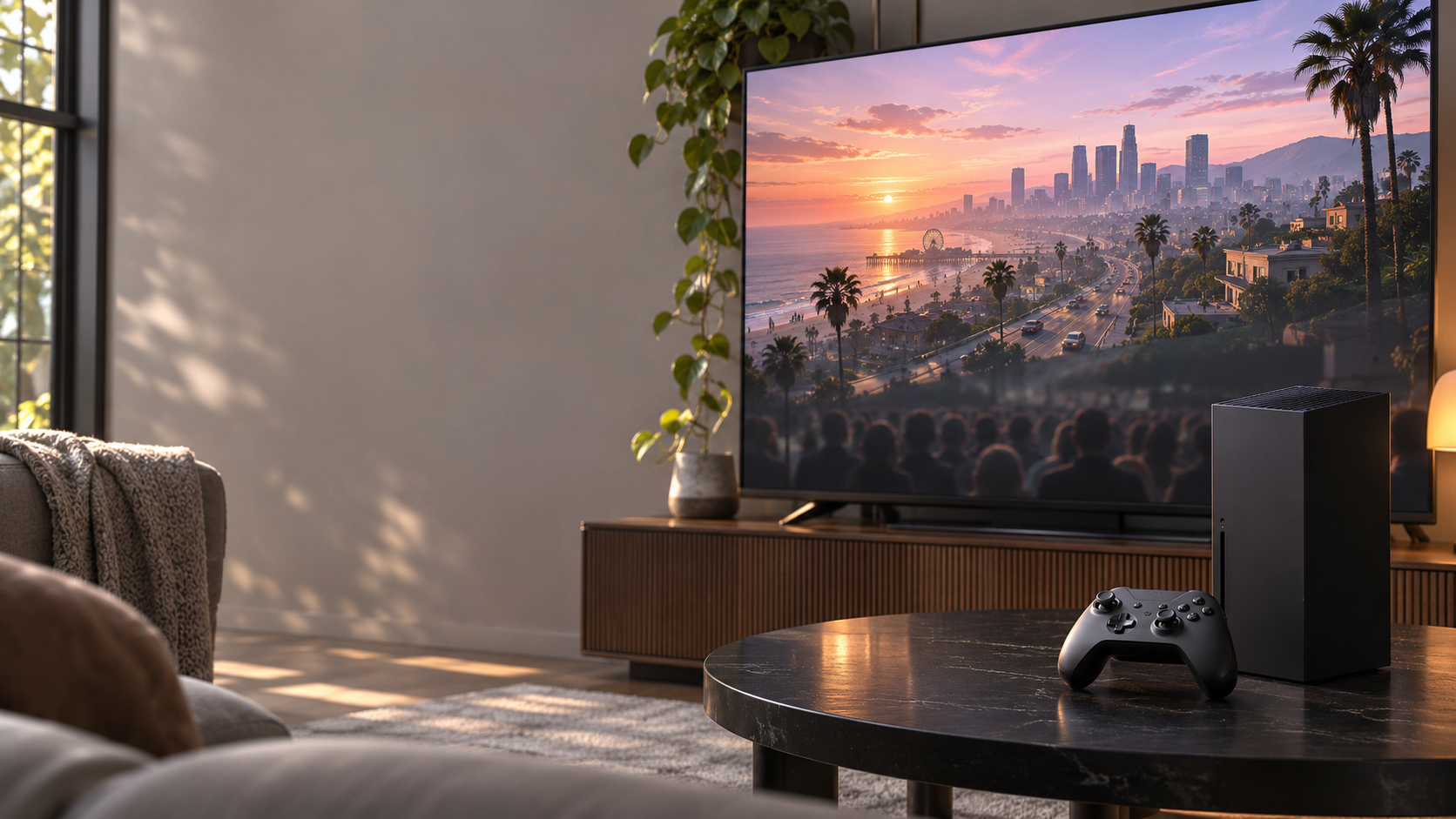 GTA 6’s Reported 39 Million PlayStation Players Require Verification
-
 Claude Android App Gets a Material 3 Expressive Redesign
-
 iPhone 18e Leak Points to a Pro-Style Camera Plateau